One phone per Facebook account — from Marketplace and Pages to ad accounts
Facebook looks closely at the device and network behind every login. MagicBox puts each account on its own Android phone with its own identity and IP, so shops, agencies and community teams can run many accounts side by side without linking them.
Who uses MagicBox for Facebook?
The four most common setups, what MagicBox handles for you and a sample configuration for one box.
List on Marketplace in many cities
Each phone uses one account and an IP in a different region, listing products on Marketplace to reach buyers around each area.
- Post and renew Marketplace listings
- Answer price questions in Messenger
- Follow every region's inbox in one app
Personal accounts as ad admins
Warm personal accounts with steady activity to admin Pages, Business Managers and ad accounts. Each runs on its own device and IP, so one problem doesn't take down the whole BM.
- Warm accounts for weeks before granting admin
- Check how ads really look in the mobile app
- Verify and receive 2FA on the same device
Manage Pages and groups
Your team posts, approves members, replies to comments and keeps groups active from multiple admin accounts — nobody needs a separate phone.
- Schedule Page, group and Reels posts
- Approve posts and members, reply to comments
- Spark discussions to keep groups engaged
Sell live on your Page
Feed pre-made video into the virtual camera to stream on your Page outside host hours, while admin accounts share the stream into your shop's groups.
- Stream product videos in the evening and overnight
- Share the stream into your groups
- Reply to comments and close orders live
From familiar headaches to a cleaner way of working
What you're facing
One flagged, all flagged
Accounts on the same phone or office Wi-Fi get linked. When one hits a checkpoint, the others are asked to verify too.
New accounts lack trust
Fresh accounts with no history are often restricted when added as admins of Pages, Business Managers or ad accounts.
Marketplace is local
Marketplace shows listings by location. Selling in several cities means people and phones in each one.
How MagicBox solves it
One phone per account
Isolated Android phones with their own IMEI, MAC, GPS and sensors — Facebook sees separate devices.
IPs by region
The built-in proxy router gives each phone a clean IP in the region you choose, passes WebRTC, supports SOCKS5 UDP, no VPN footprint.
Scheduled AI warming
AI scrolls the feed, watches Reels, reacts and adds friends on natural scripts, at different times on each phone.
Back up warmed accounts
Back up a warmed account as-is and restore it when needed — rotate more accounts than the box has phones.
A day of operations with MagicBox
AI and schedules handle the repetitive work; your team only does what needs a human.
-
07:00
AI warming starts
Phones take turns scrolling, watching Reels and reacting — each at a different time, never all at once.
-
09:00
Scheduled posts
Page, group and Marketplace posts go out from the right phone on the right regional IP.
-
11:00
Inbox time
Staff open each phone's screen in the PC app, reply in Messenger and comments, close orders.
-
20:00
Evening live
One phone streams pre-made video; admin accounts share it into groups.
-
23:00
End-of-day backup
Back up warmed accounts and restore the next batch if you rotate.
Your whole account fleet on one screen
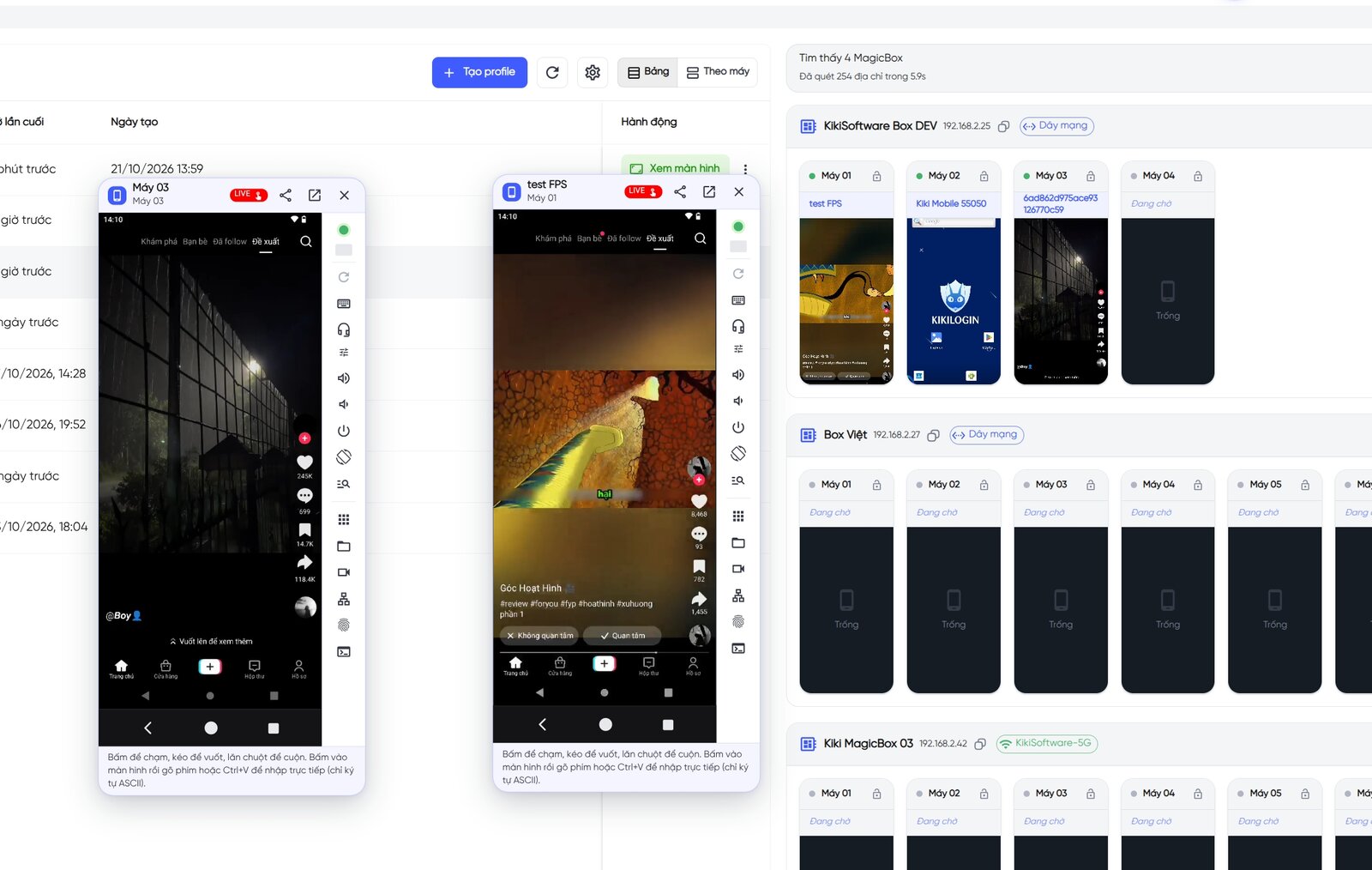
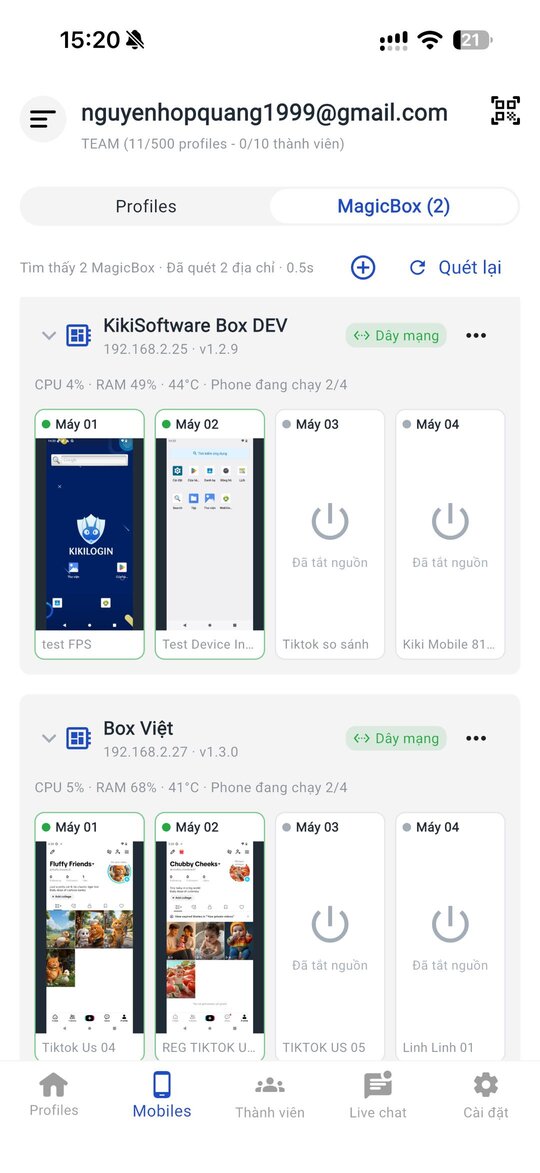
See and control each phone from the PC or mobile app. Monitor every box in real time and run scripts across many phones at once.
- Facebook, Messenger, Facebook Lite, Meta Business Suite — official apps
- Bulk posting and engagement scripts
- API, AI assistant and MCP for your own workflows
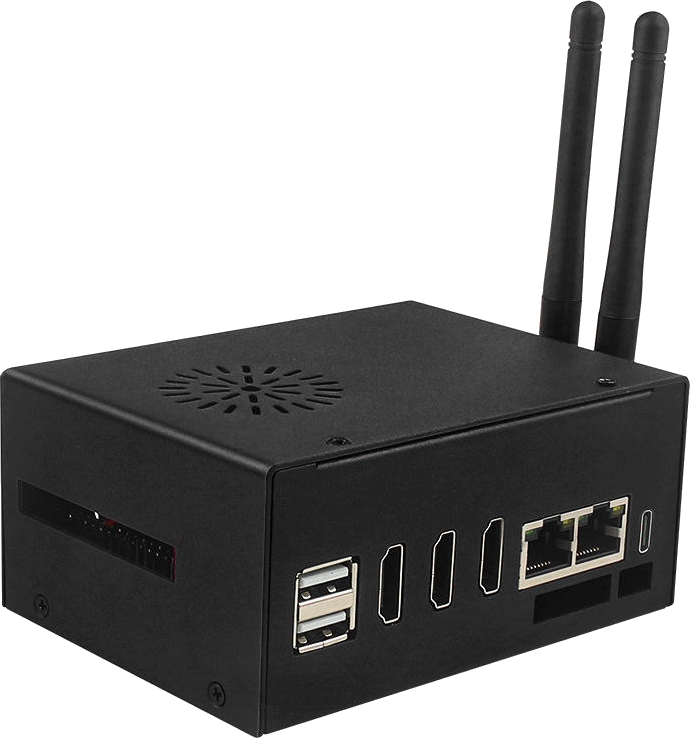
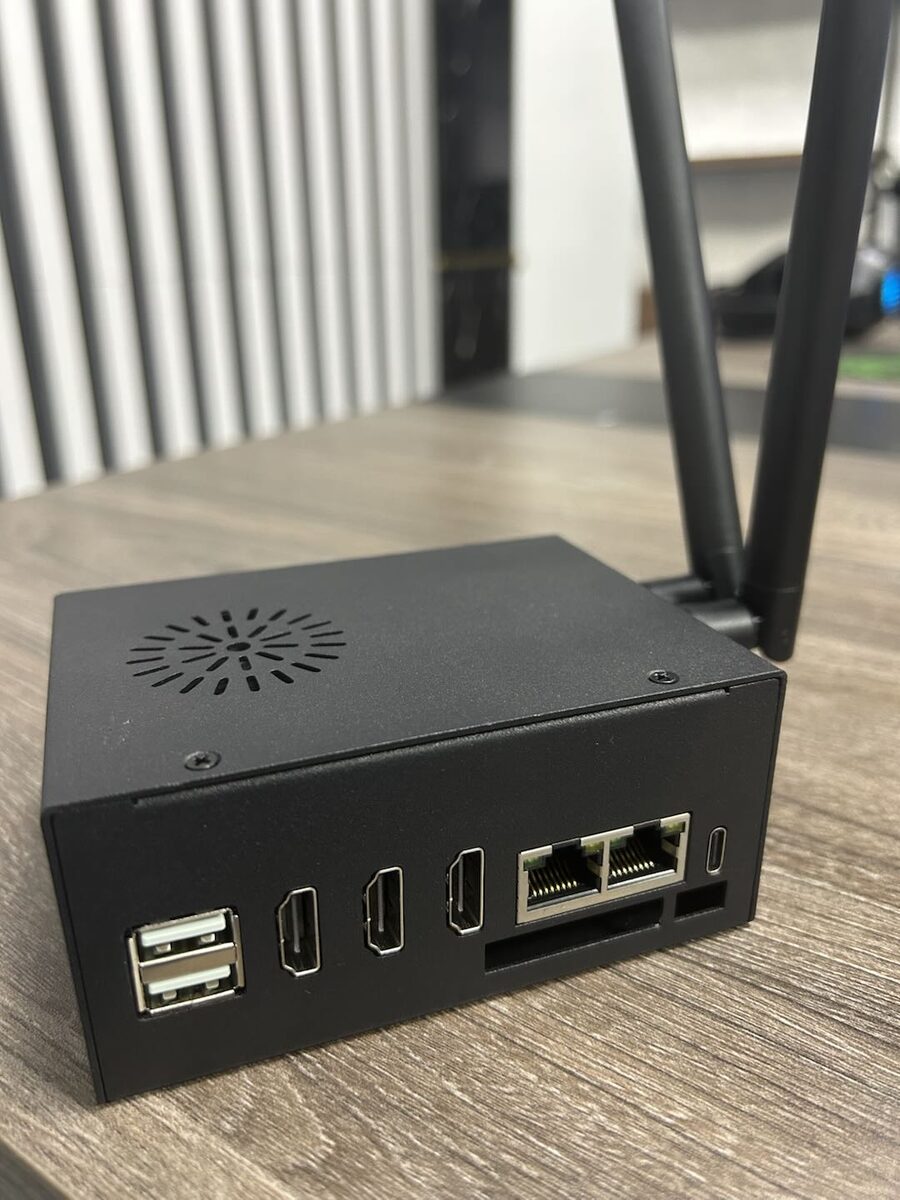
One MagicBox.
4-5 Android phones.
15M VND, paid once.
Includes software, proxy router, camera/mic/speaker, AI and OTA updates. 6-month warranty.
MagicBox for Facebook
Can't find your answer? Message the KikiLogin team on Zalo/Hotline 0338.83.83.99.
Does MagicBox guarantee my Facebook accounts will never be banned?
No tool can guarantee that. MagicBox removes the common linking signals (shared device, shared IP, VPN footprint) and keeps accounts consistently active, which significantly lowers the risk compared with doing it by hand.
Which Meta apps can I use?
Any Android app: Facebook, Facebook Lite, Messenger, Meta Business Suite, Ads Manager. Install them from Google Play like on a normal phone.
What do I need to list on Marketplace in another city?
Assign that phone a proxy in the target region through the built-in proxy router. The KikiLogin team walks you through it at handover.
How long should I warm an account before making it an ad admin?
Usually a few weeks of steady activity. MagicBox automates it: AI keeps the account active daily while you monitor.
How many Facebook accounts can one box handle?
Each box runs 4-5 phones in parallel. You can grow more accounts than that by rotating phones with backup and restore.
Other solutions
TikTok & TikTok Shop
Run niche affiliate channels, satellite channels for your shop, cross-border channels and overnight lives.
See solution24/7 Livestream
Fill overnight slots, stream to several platforms at once, use AI Avatar hosts and run product tours non-stop.
See solutionProduct-line channels for brands, client accounts for agencies, niche Reels pages and international channels.
See solutionZalo
Company-owned Zalo numbers for sales, customer care for online shops, community groups and video consultations.
See solution