24/7 livestream selling — no host on duty, no real phone needed
MagicBox feeds pre-made video straight into each Android phone's virtual camera, which apps see as filming live. Sessions run overnight, recover from interruptions, and every phone in the box can stream a different channel or platform.
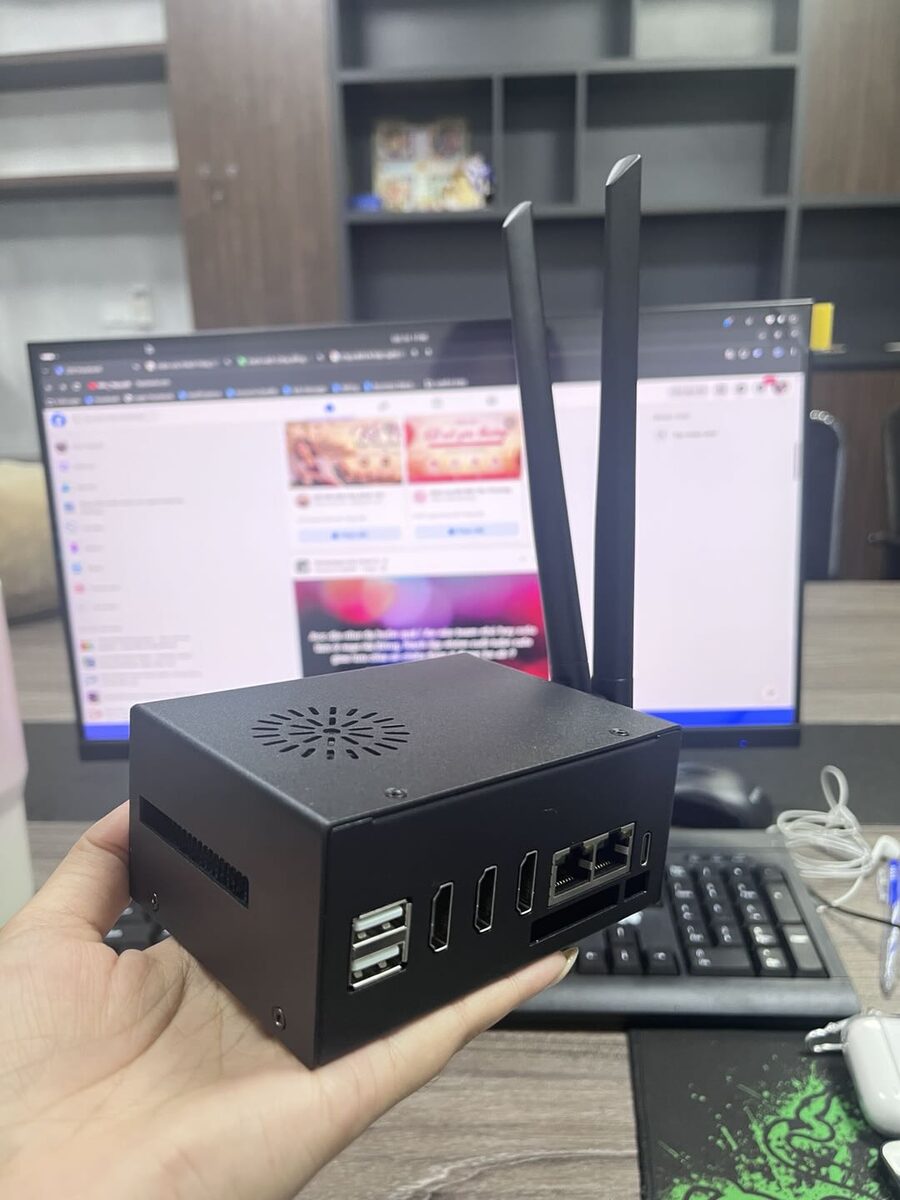
Who uses MagicBox for 24/7 Livestream?
The four most common setups, what MagicBox handles for you and a sample configuration for one box.
Fill the overnight slot
Your real host streams at peak time; from midnight to morning MagicBox keeps playing your product videos so the channel never goes dark.
- Loop best-seller videos all night
- Recover automatically when a stream drops
- Handle overnight orders and comments in the morning
Stream to several platforms at once
The same sales video streams to TikTok Shop, Facebook and Shopee Live from different phones — one piece of content, many storefronts.
- Log each phone into a different platform
- Play the same video or a tailored one per platform
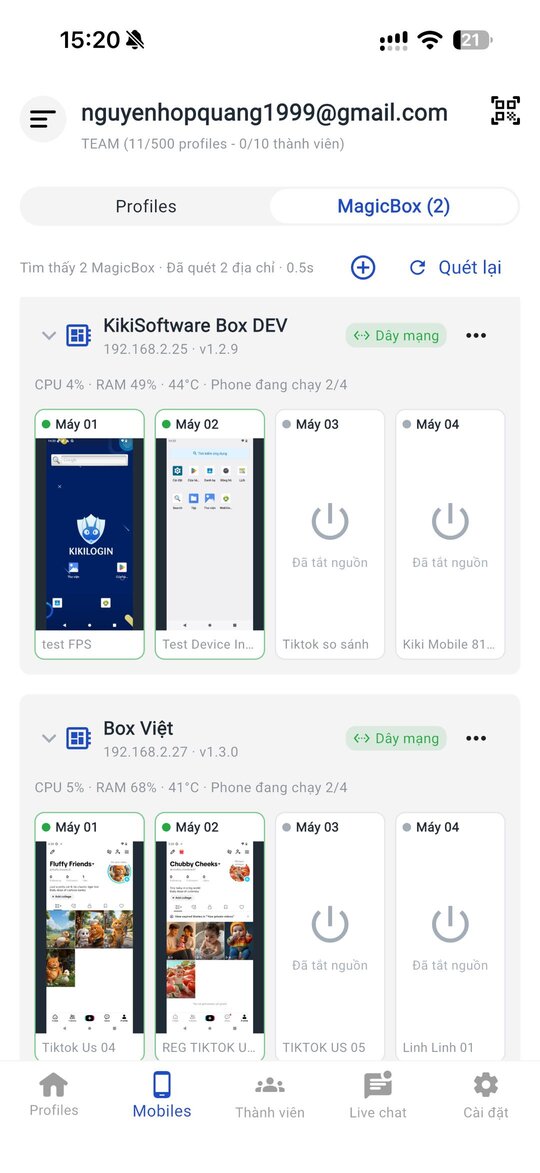
- Monitor every session on one screen
AI Avatar presenters
Use an AI Avatar platform to create a virtual presenter that reads your product script, fed into the virtual camera so nobody has to be on camera.
- Connect an existing AI Avatar platform
- Change scripts by time slot or promotion
- Run several avatars across channels
Non-stop product tours
Project tours, room walk-throughs or menus play continuously, so whoever drops in sees them and can leave details or send a message.
- Stream project, room or dish tours
- Pin contact details in the live session
- Staff answer comments and messages during work hours
From familiar headaches to a cleaner way of working
What you're facing
Hosts last a few hours
A real host is at their best for 3-4 hours a day; nights and early mornings go empty even though people still watch and buy.
Patchy streaming gear
Phones, capture cards, cameras, mics and stands — many failure points, and every extra stream needs another set.
Streams die at 2 a.m.
A network drop or frozen app at night stops the stream until someone wakes up to check.
How MagicBox solves it
Video into a virtual camera
Feed pre-made video into the camera as if filming live — no capture cards or extra cameras.
Self-recovery
Sessions run overnight and restart themselves when interrupted.
Parallel sessions
One account per phone — stream many channels and platforms from one box at once.
AI Avatar ready
Works with AI Avatar streaming platforms for a virtual host presenting products 24/7.
A day of operations with MagicBox
AI and schedules handle the repetitive work; your team only does what needs a human.
-
09:00
Prepare tonight's video
Cut product clips, reorder them, update prices and promotions.
-
15:00
Assign video per phone
Choose the video or avatar fed into each channel's and platform's virtual camera.
-
20:00
Peak-time lives
Your host streams the main channel while box phones stream side channels and other platforms.
-
02:00
Network hiccup? Self-recovery
Interrupted sessions restart on their own while you sleep.
-
07:00
Close overnight orders
Check every session's status in the app and handle orders and comments from the night.
Camera, mic and speaker built in
No capture cards or extra cameras. MagicBox includes a virtual camera, mic and speaker for each phone — video calls, meetings and livestreams like a real phone.
- Pre-made video that looks like live filming
- Overnight streams with self-recovery
- Many live sessions across accounts and platforms
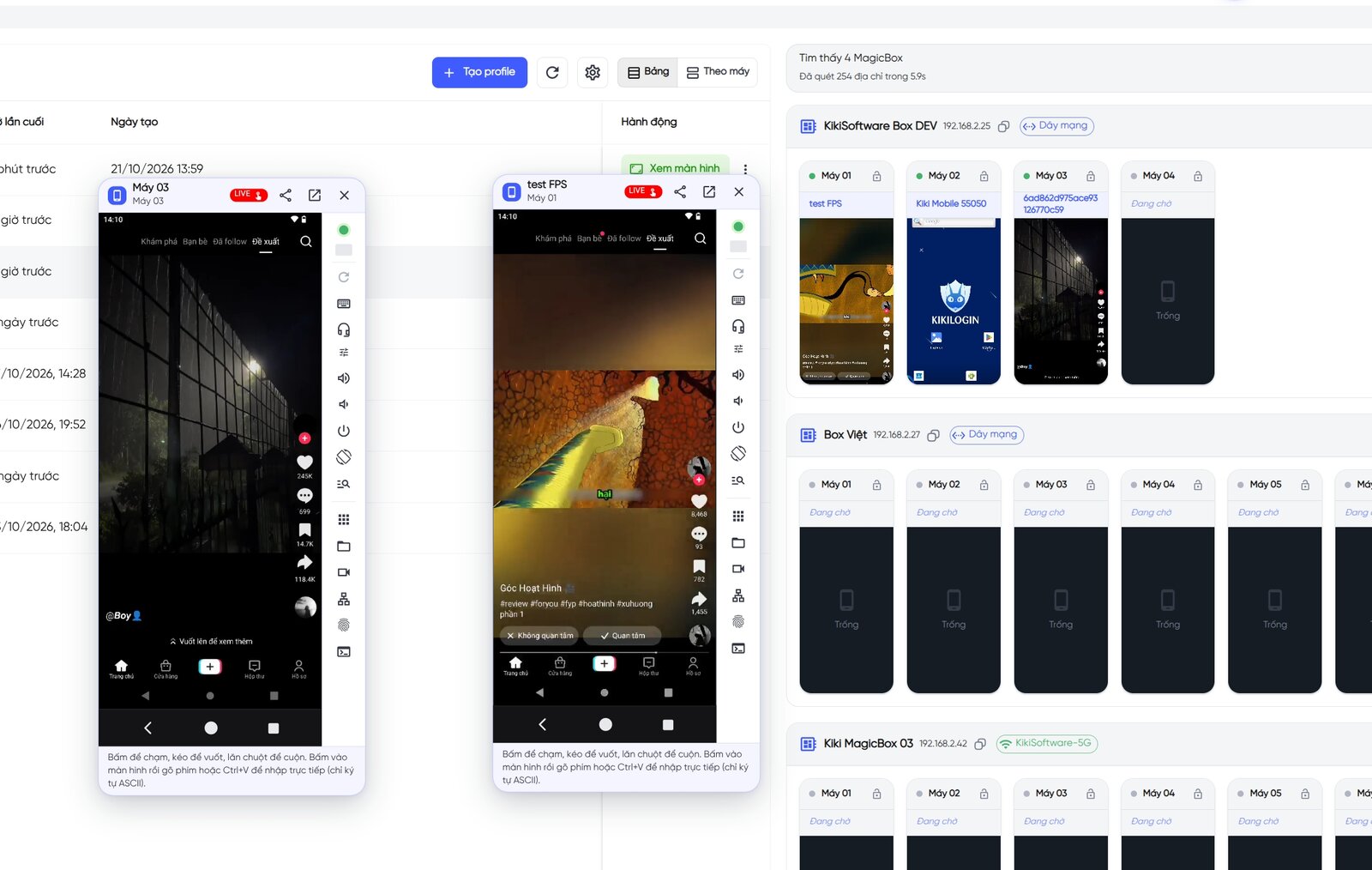
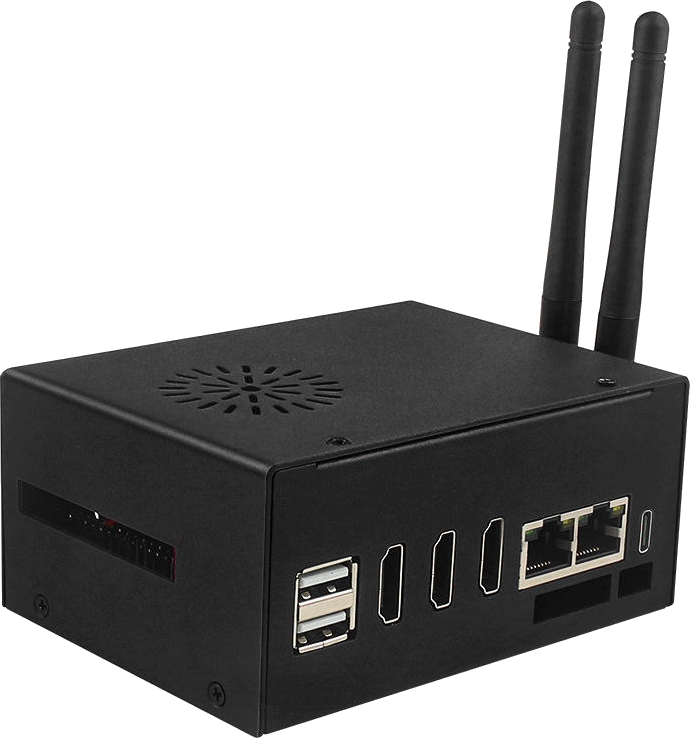
One MagicBox.
4-5 Android phones.
15M VND, paid once.
Includes software, proxy router, camera/mic/speaker, AI and OTA updates. 6-month warranty.
MagicBox for 24/7 Livestream
Can't find your answer? Message the KikiLogin team on Zalo/Hotline 0338.83.83.99.
Which platforms can I livestream on?
Any Android app that streams from the phone camera, such as TikTok, TikTok Shop, Facebook and Shopee. Open the official app on a MagicBox phone and go live as on a phone.
Is streaming pre-made video against platform rules?
Each platform has its own rules on replayed live content. Check their policies and mix in real interaction (replying to comments, pinning products) during the session.
Does my computer need to stay on overnight?
No. The stream runs on MagicBox; you only use the PC or mobile app to monitor and control it.
How many live sessions can one box run?
Each box runs 4-5 phones in parallel, and each phone's account can stream on its own.
Can I switch videos mid-stream?
Yes. Pick a different video for that phone's virtual camera right in the control app.
Other solutions
Sell on Marketplace across regions, warm admin accounts for ads, manage pages and groups, and sell live.
See solutionTikTok & TikTok Shop
Run niche affiliate channels, satellite channels for your shop, cross-border channels and overnight lives.
See solutionProduct-line channels for brands, client accounts for agencies, niche Reels pages and international channels.
See solutionZalo
Company-owned Zalo numbers for sales, customer care for online shops, community groups and video consultations.
See solution